
Stock your STORES shop with Japanese wholesale products, and buy after you sell.
Pick products from about 200,000 and register them as STORES items. Prices are registered tax-inclusive, and items stay hidden until you check and publish them. When something sells, order it from orosy; when it arrives, add it to inventory.
- No setup or monthly fee
- No charge to join. Account review usually completes within 12 hours
The STORES connection is coming soon, so you cannot connect yet. Once it is available, you will connect from this page. Until then, you can order the same products from the orosy buyer portal (the buyer portal you use in a browser).

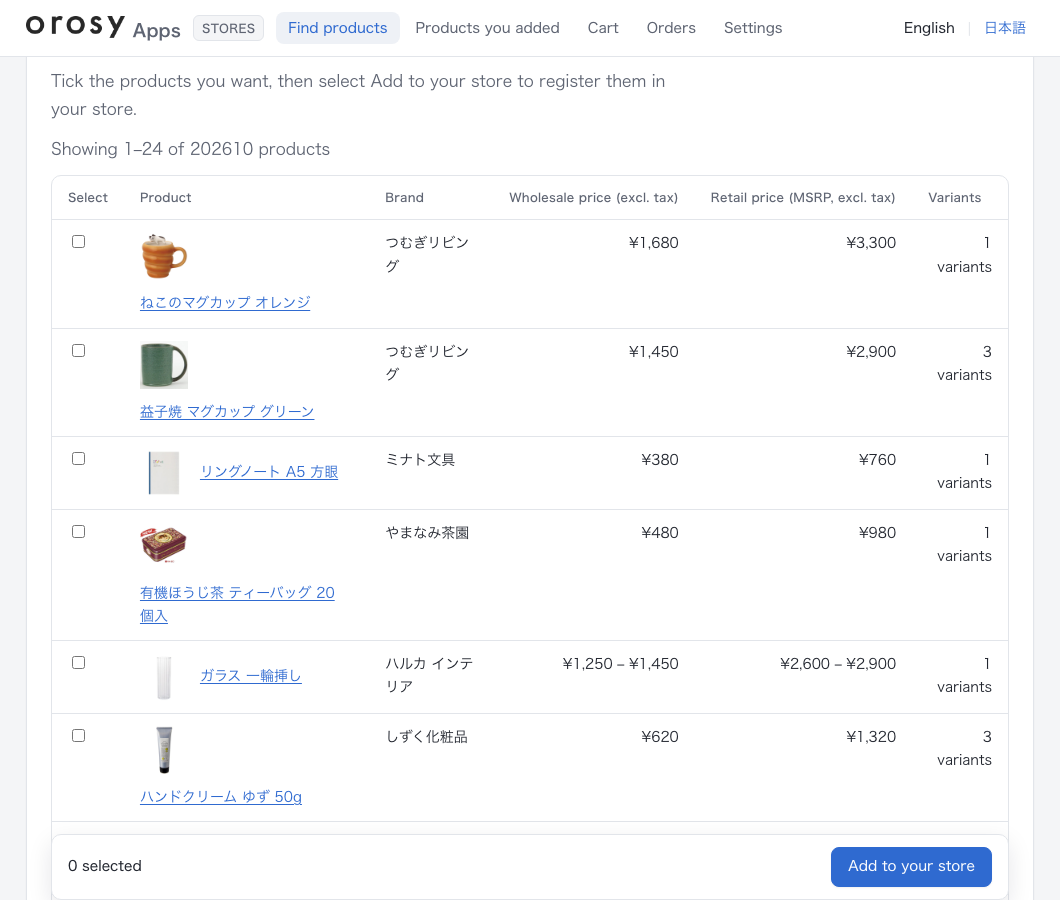
Screens are examples (product names and prices are samples)
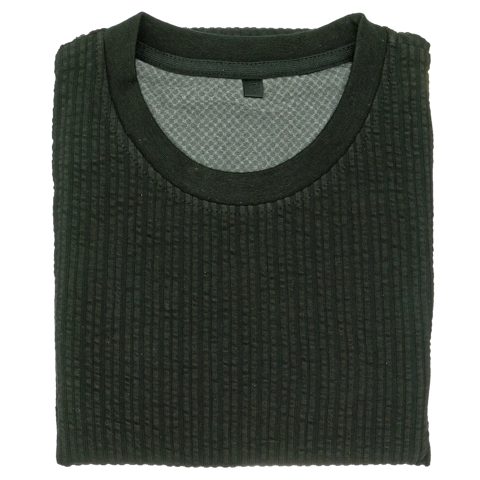


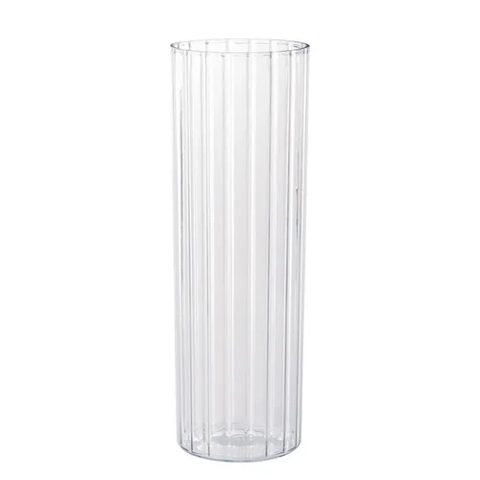

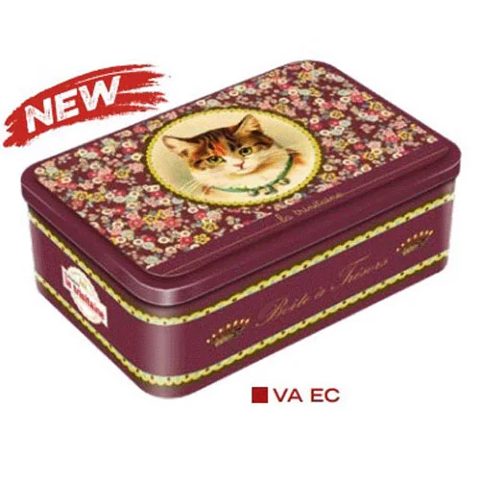

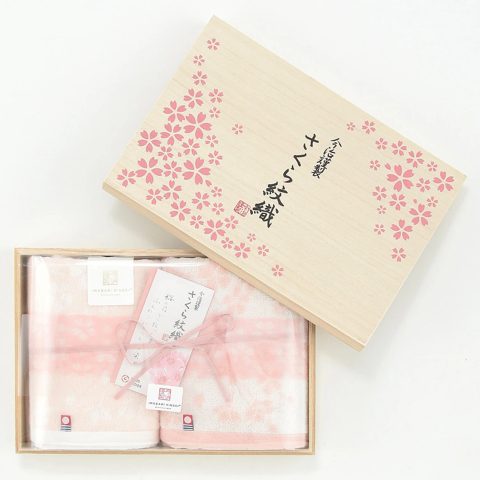

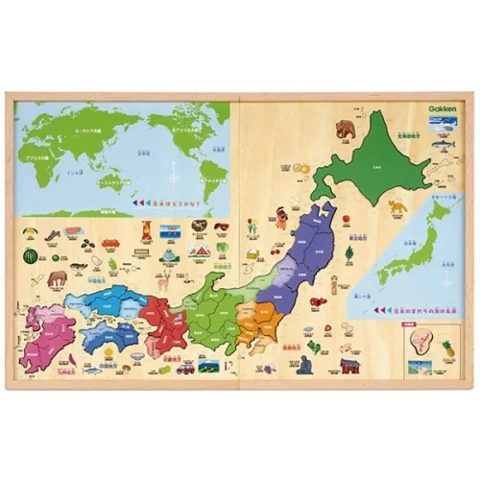

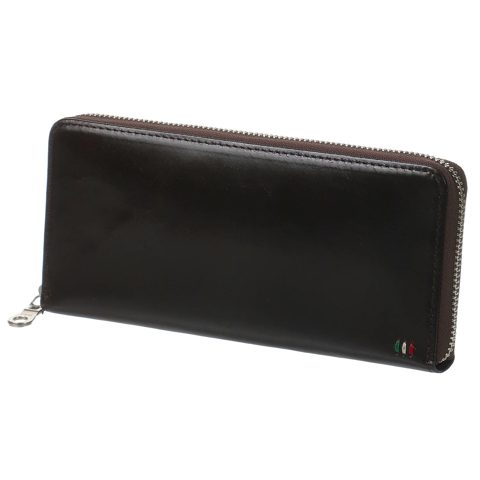

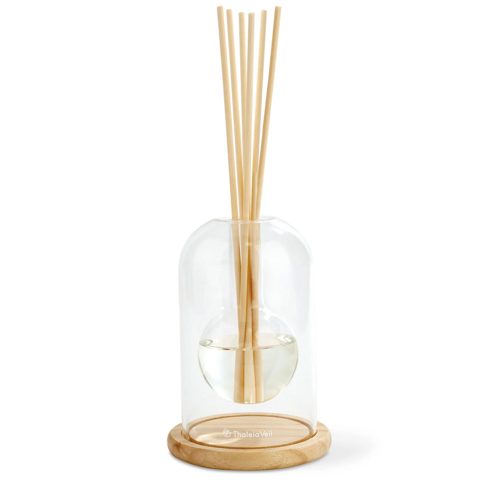
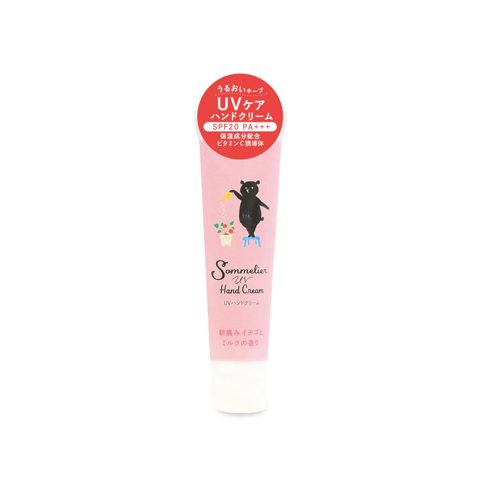

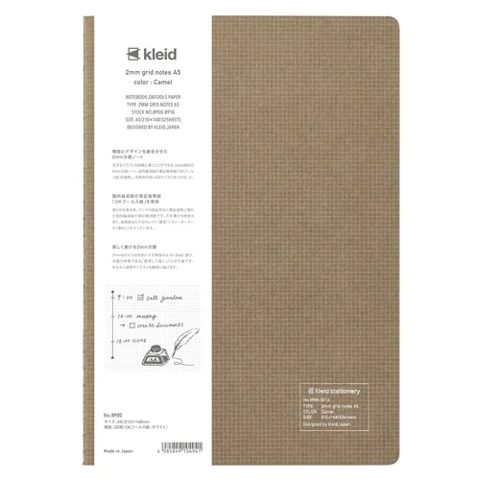
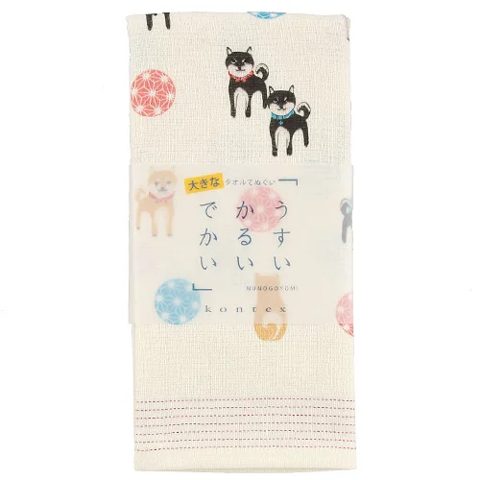
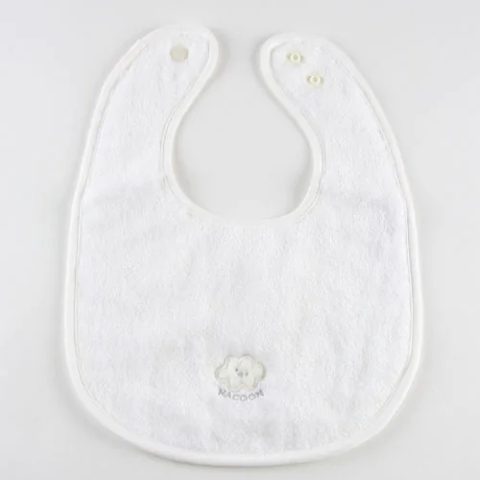
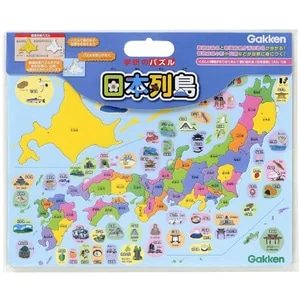







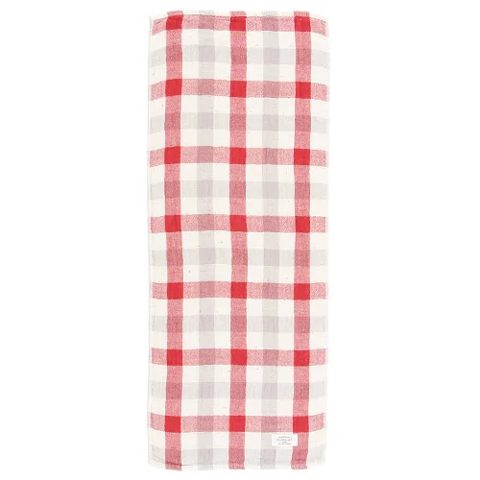

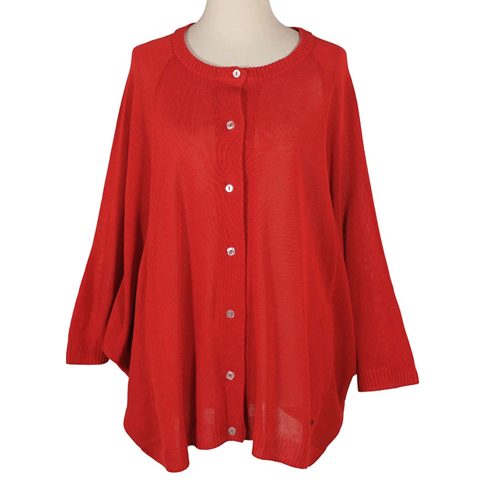
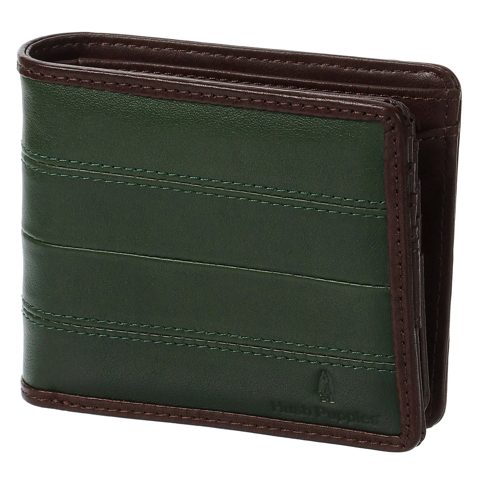
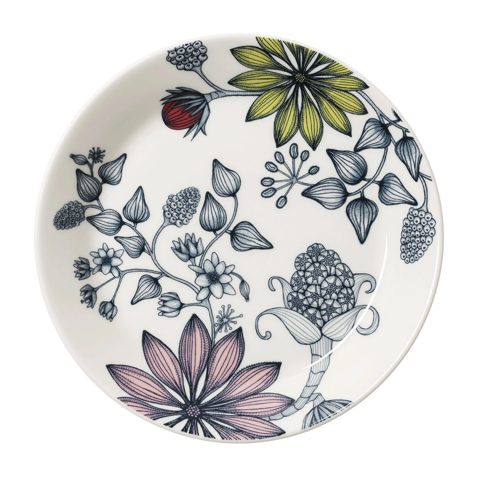

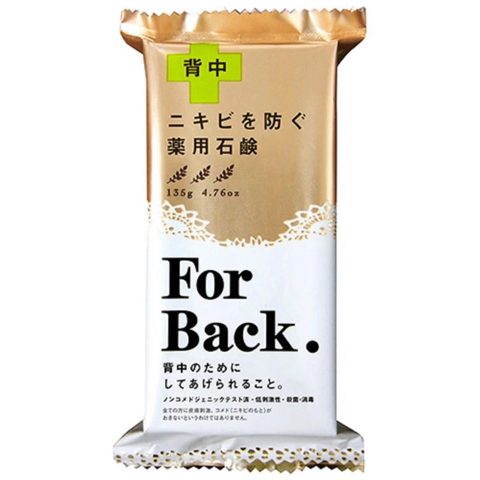
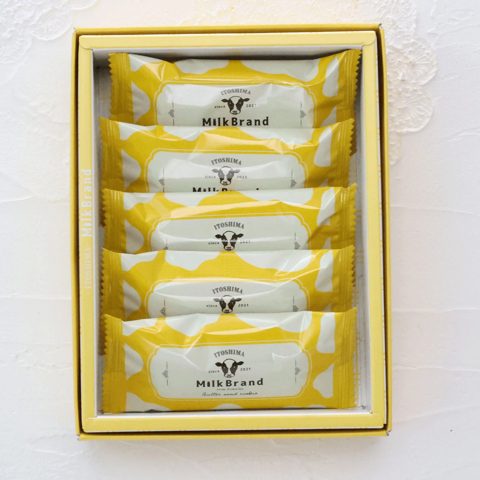
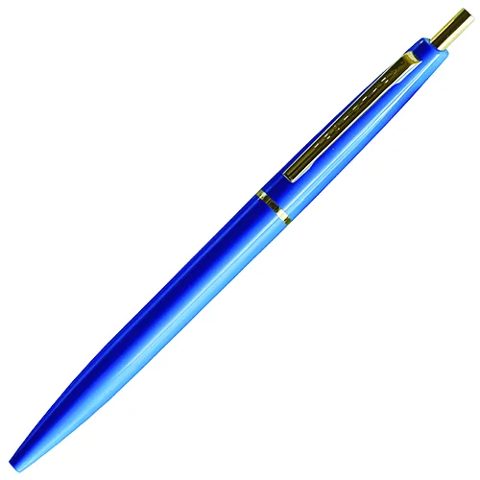
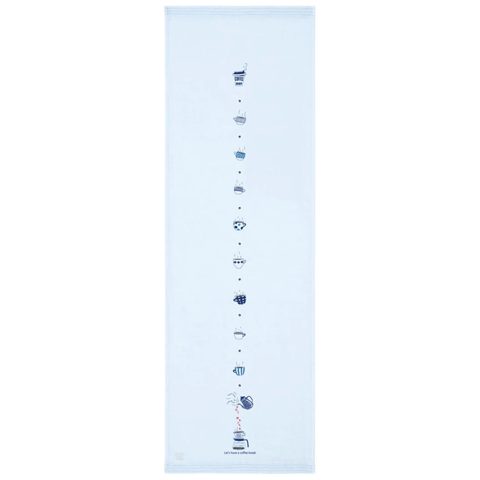
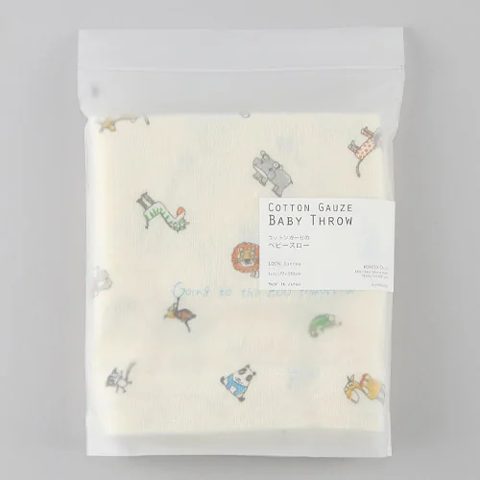


Every product shown here is one of the about 200,000 products carried on orosy
The screens you use after connecting STORES.
Find products. Filter about 200,000 products by keyword, category and wholesale price.
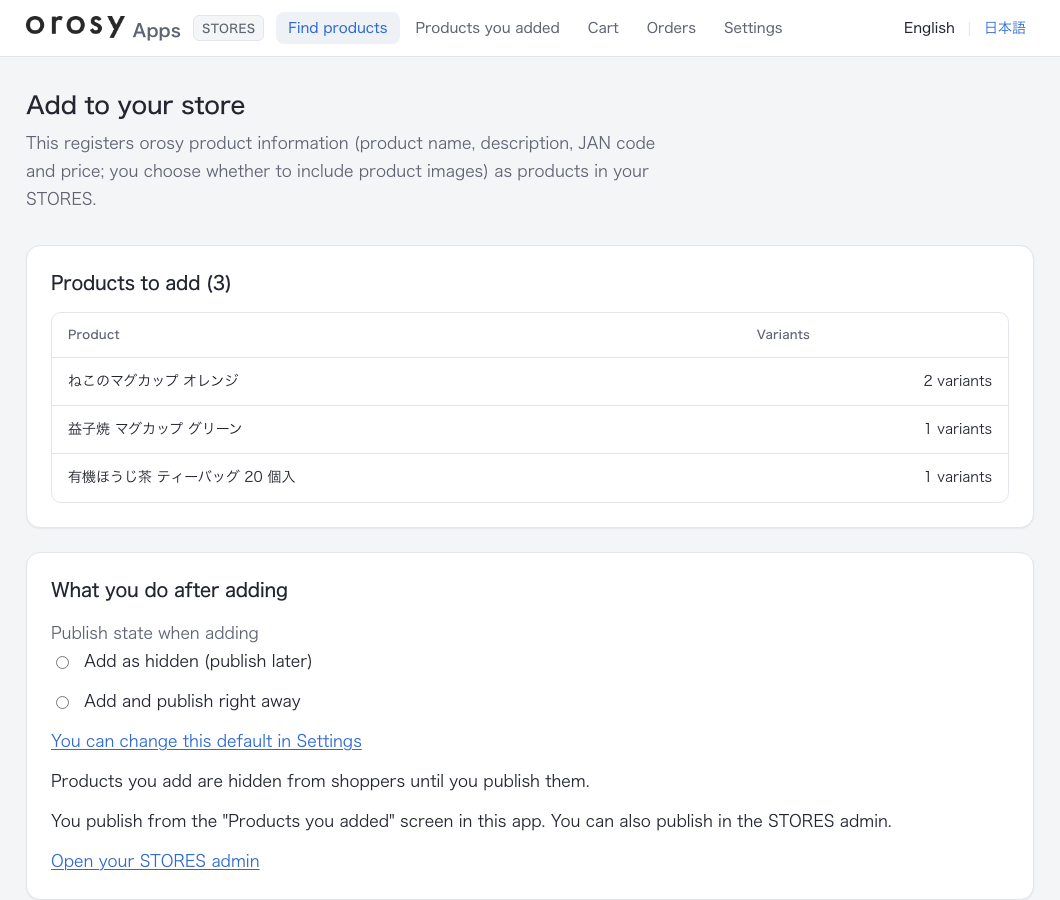
Add them to your store. Choose whether they go live or stay hidden before they reach STORES.
Products are registered as STORES items with name, description, JAN code (barcode) and retail price. You set the retail price by markup or amount; STORES prices are tax-inclusive, so consumption tax (10%, reduced rate 8%) is added. Up to 3 images. Items are registered hidden, and you can choose to publish right away (images are required to publish).
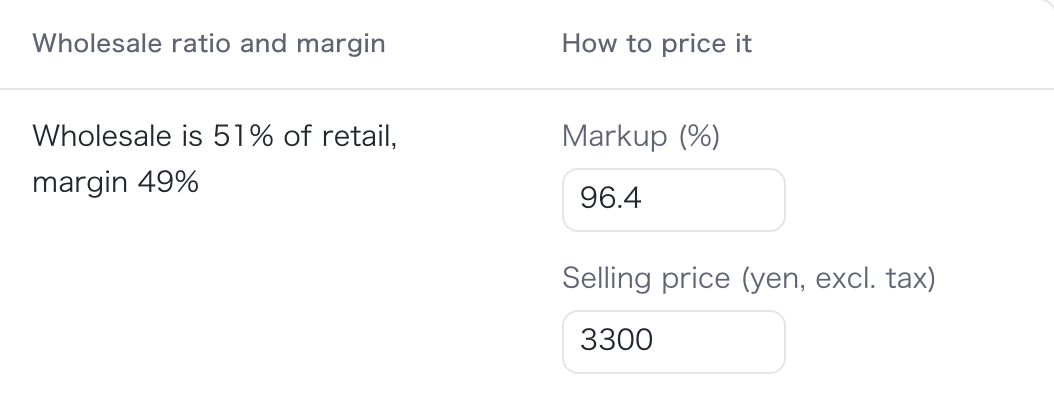
Set the retail price as a markup on the wholesale price, or enter the price directly. The price that will be registered in STORES is shown as you type. 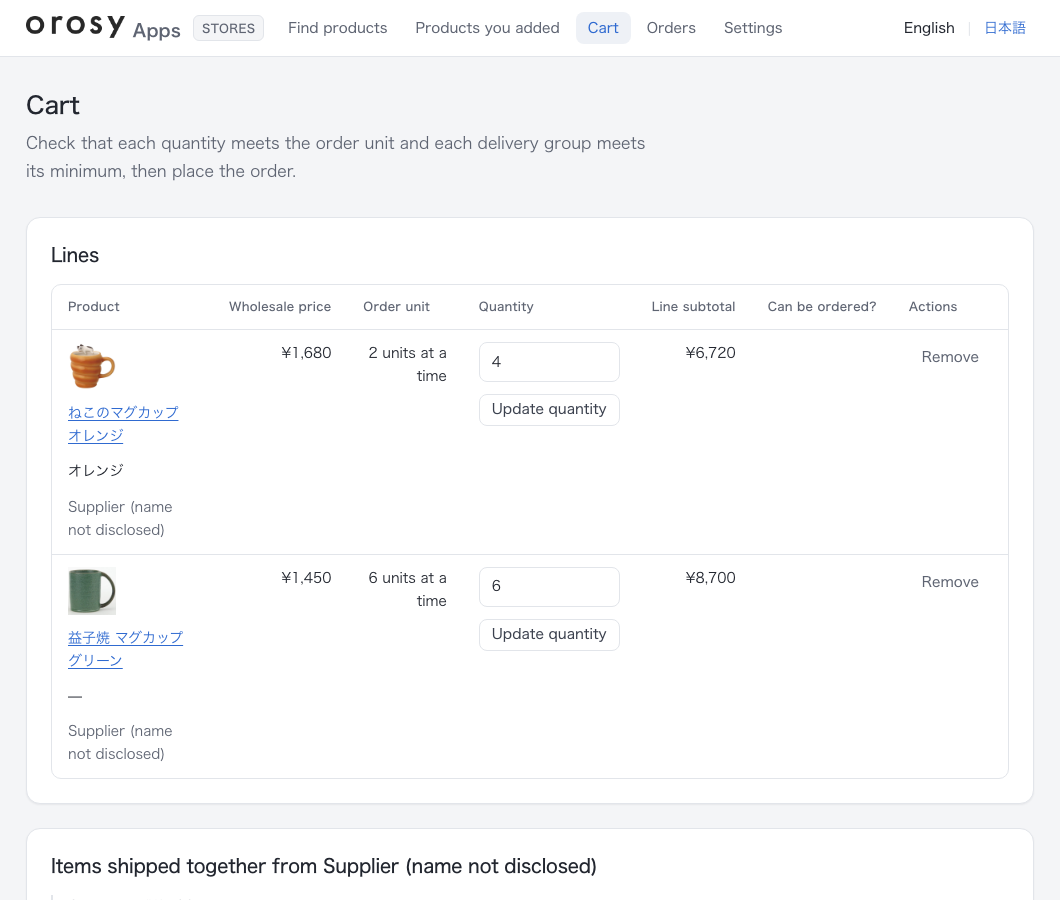
Check the cart and order. Order units and minimum order amounts are shown as you go.
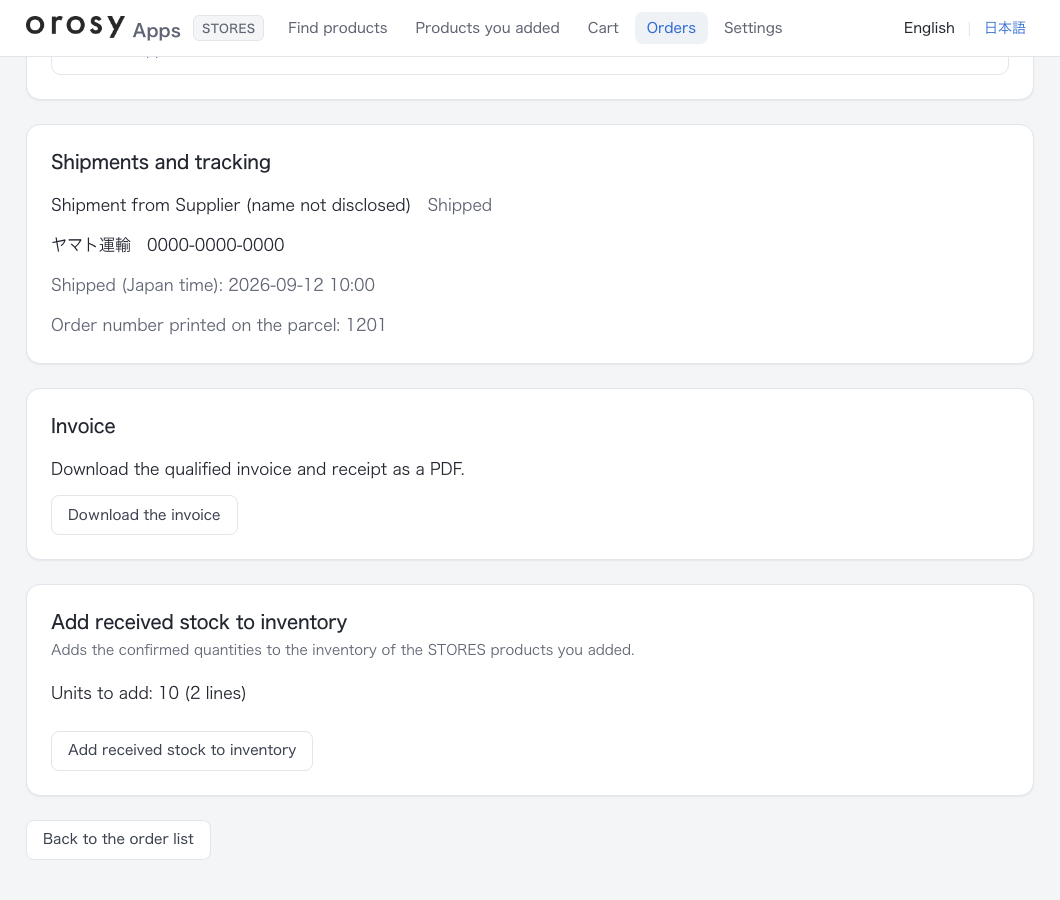
Add arrivals to inventory. The confirmed quantity is added to your STORES inventory.
You order from the cart in this app. The cost is charged to your registered credit card.
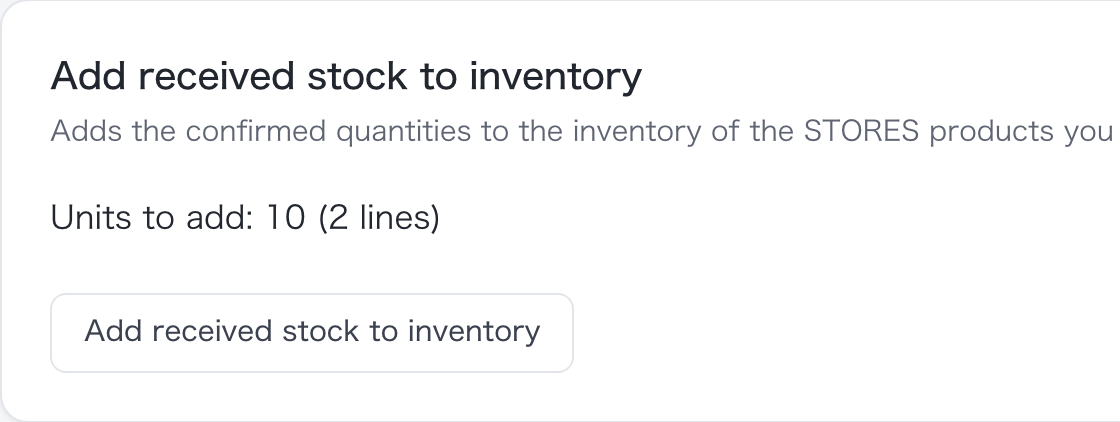
The confirmed quantity is shown, and one button adds it to your STORES inventory.
Screens are examples (product names and prices are samples)
Add products first, and order them after they sell.You do not carry stock up front.
- You place orders with orosy from the cart in this app. Nothing is ordered automatically.
- Wholesale order units and minimum order amounts still apply.
- When a shipment arrives, you add the quantity the supplier confirmed for shipment (the confirmed quantity) to your store inventory from the order details. Inventory is not synced automatically.
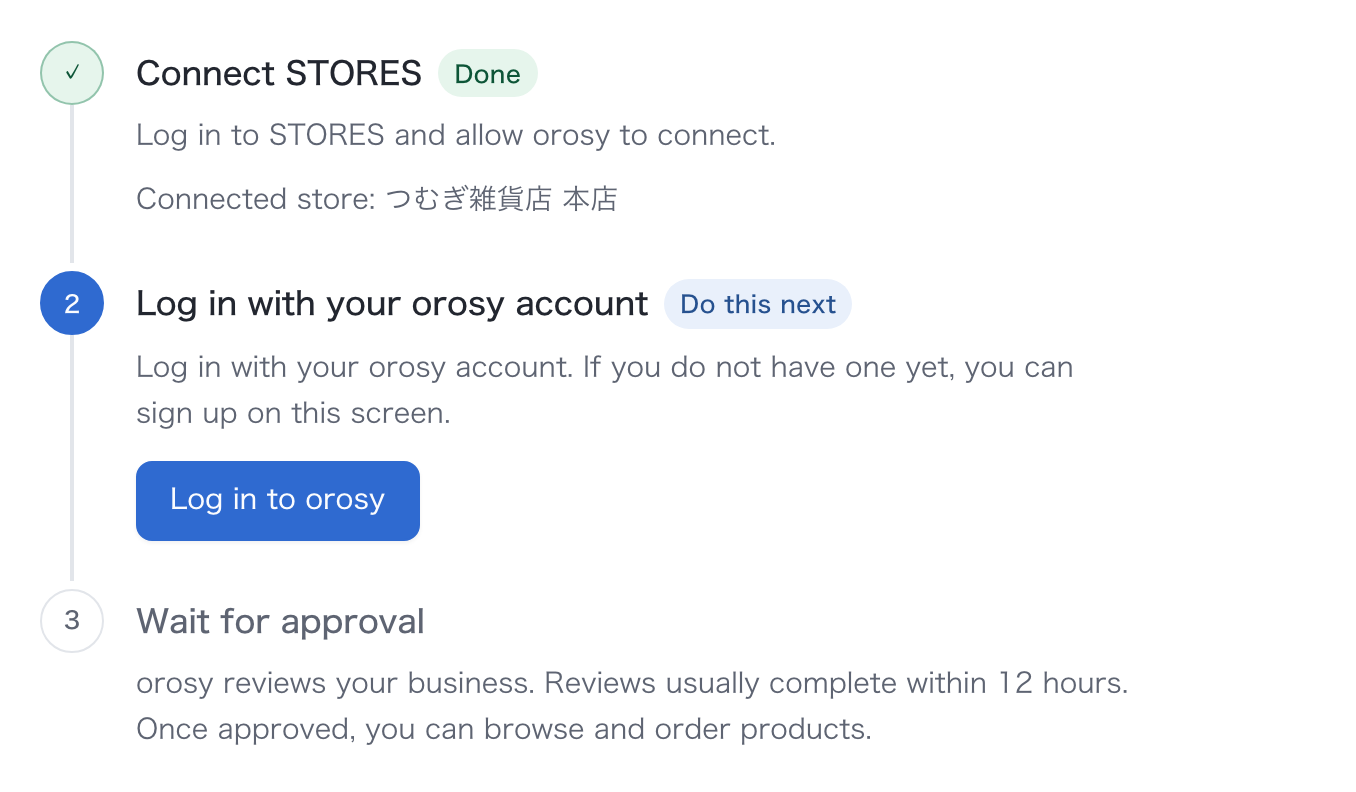
Getting started takes 3 steps.
Connect STORES
Log in to your store and allow orosy to connect.
Log in with your orosy account
If you do not have one yet, you can sign up on the spot.
Wait for approval
orosy reviews your business. Reviews usually complete within 12 hours.
The STORES connection is coming soon, so you cannot connect yet. Once it is available, you will connect from this page. Until then, you can order the same products from the orosy buyer portal (the buyer portal you use in a browser).
Products and wholesale prices are not shown until your account is approved. Once approved, you can browse and order products.
You pay only for products, shipping and tax.
orosy charges the product cost, shipping and tax to your registered credit card each time you order.
- You are charged only for the quantity that is confirmed (what actually ships).
- For damage, wrong delivery or shortages, contact us within 5 days of receipt for a replacement or refund (Terms of Service, Article 10).
- Qualified invoices, 3-D Secure and JPY billing are supported.
orosy Inc. operates this service.
Questions about STORES
Which STORES permissions are used?
Shop data read (retail.shop.read) and write (retail.shop.write), plus offline_access to keep the connection alive. They are used to read store information and the item list, and to create and update items, register images and adjust inventory. Order (buyer) data is neither read nor stored.
How do I delete a STORES item?
The STORES API has no item deletion. From the app's “Added products” you can hide an item and remove it from the list. To delete the item itself, use the STORES admin.
Does it cost anything?
The app has no charge. You pay only for the products you order, shipping and tax. There are no setup or monthly fees.
When does the review take place?
After you register an orosy account and before your first order. It usually completes within 12 hours and the result is sent by email. Products and wholesale prices are not shown until approval.
Does inventory increase automatically when stock arrives?
No. On the order details screen, press "Add arrivals to inventory" to add the quantity the supplier has confirmed for shipment (confirmed quantity) to your store's inventory. The same order is never added twice.
What happens if I cancel?
The connection between your store and orosy is removed and saved shipping addresses are deleted. Products and inventory registered in your store remain. Orders already placed continue on the orosy side.

Connect STORES and start ordering.
The STORES connection is coming soon, so you cannot connect yet. Once it is available, you will connect from this page. Until then, you can order the same products from the orosy buyer portal (the buyer portal you use in a browser).
What you need to connect
- A STORES store that you manage
- An orosy account (no charge; you can create one on the next screen)
- Business verification (account review), usually completed within 12 hours
Choose your platform



Also available in Japan